


Today, you’re probably overloaded with digital clutter, from endless notifications and unused apps on your phone to hundreds (if not thousands) of files and folders on your computer. It both actively and passively disrupts your workflows.
And you know you need to do digital decluttering for some of them (or let’s be real—a lot of them). But for some reason, you hesitate: What if you need this app someday? Do I really want to delete this old email?
The result is that you never get any kind of digital decluttering done.
The solution: stick to these basic rules to make your next attempt at digital decluttering more effective and a lot easier.
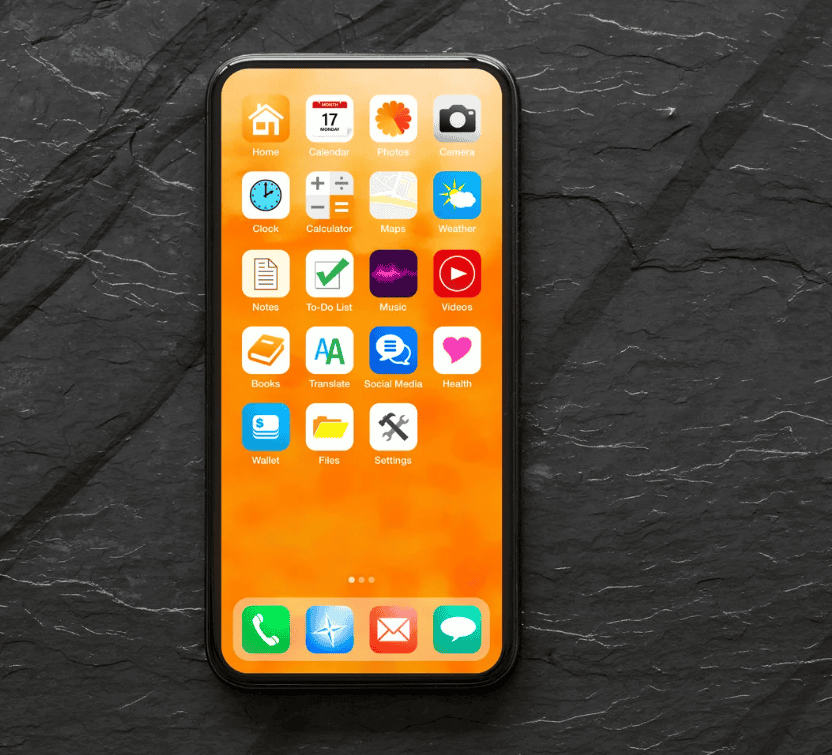
- Define Your Goal
Before you start doing digital decluttering, ask yourself: What do I hope to accomplish by digital decluttering?
Do I want to be more efficient at work? Do I simply want my desktop to look cleaner? Do I want to be less distracted by notifications? All of the above?
Your goal determines which devices, files, and programs you need to get rid of.
After all, if you start with a broad, vague goal of “delete everything I don’t need,” then you’ll likely hesitate to delete many things.
- Clear High-Visibility Clutter First
Digital decluttering can feel like a huge, monumental task. Most people get overwhelmed just thinking about it and never get started at all.
The trick? Don’t think about the entire endeavor. Simply start with the most visible clutter on your screen.
Your desktop or phone screen is probably filled with files, apps, and notifications that create constant low-level distraction. You’ve likely been wanting to get rid of these for a while now.
Start with those. Then, you’ll create momentum, and it’ll be easier to deal with items you may be less certain about deleting later on.
- Minimize Notifications Aggressively
Among the types of digital clutter—files, apps, and notifications—notifications are probably the most disruptive. After all, while apps and files are always on your screen, they exist there passively.
Notifications, on the other hand, distract you actively. They’re constantly calling for your attention every few minutes—if not multiple times a minute. Studies show notifications are one of the largest detractors from your ability to sustain a high level of focus throughout the day.
So be ruthless about muting notifications. In fact, doing so will also make it clear which apps serve a purpose to you and which merely distract you.
- Don’t Use Your Email as a Storage Unit
A lot of people end up using their email accounts as some sort of storage unit—whether they intend to or not. There’s a sort of fear that every email is “something I might need someday,” so nothing ever gets deleted or moved.
However, this only turns your email into a dumping ground for receipts, newsletters, old conversations, and other useless messages. The result: you have a hard time finding the emails you actually need.
Instead, treat your inbox like a temporary holding area: delete what you don’t need, archive what you might, and keep only what requires immediate action.
- Minimize the Tools You Use
While it’s good that there are countless programs to choose from, this also means many of them overlap.
Unfortunately, too many people download redundant tools and have a stack of apps that serve similar purposes. This leads to more notifications and symbols on your screen.
So choose only one tool for each purpose.
For example, you probably only need one note-taking app, like Notion. And you probably only need one cloud storage account, like Google Drive. For privacy, one secure VPN, like the one by Surfshark, is more than enough.
- Organize Photos and Media Intentionally
Photo libraries can grow incredibly quickly to the point of overwhelming. You likely have a lot of duplicates, useless screenshots, and low-quality images hanging around. Take the time to go through your gallery to delete all of these.
Additionally, create a holding space for any unnecessary digital items you’re considering deleting. Instead of deleting them immediately, place them in a folder with an expiry period of 30 to 90 days. If you don’t access the file during that period, you have concrete evidence that you might not need it.

Conclusion: Maintain Digital Decluttering as an Ongoing Habit
And perhaps the most important and effective rule of all: treat digital decluttering as an ongoing habit—a lifestyle—instead of something you do periodically.
After all, you’ll keep taking pictures. You’ll keep downloading apps. You’ll get new files on your computer.
The best way to keep your devices free of clutter is to review and remove what you no longer need as soon and as often as you can. Do this, and you’ll never have to do a mass cleanup again.
From now on, practice immediately deleting useless photos after you take them. Or muting unnecessary notifications after downloading a new app. Or double-checking if you really need this new tool.
This is far less taxing and overwhelming, and far more sustainable.