

Introduction
PDF documents have become an essential part of professional and academic communication. From research papers and annual reports to business proposals and training manuals, PDFs help preserve information in a structured, shareable format.
However, reading a document and presenting its contents to an audience are two very different experiences.
A PDF containing 30 pages of detailed information might be useful for reference, but presenting the same material during a meeting or classroom session requires a different approach. Audiences need clear messages, visual explanations, and concise takeaways rather than paragraphs of uninterrupted text.
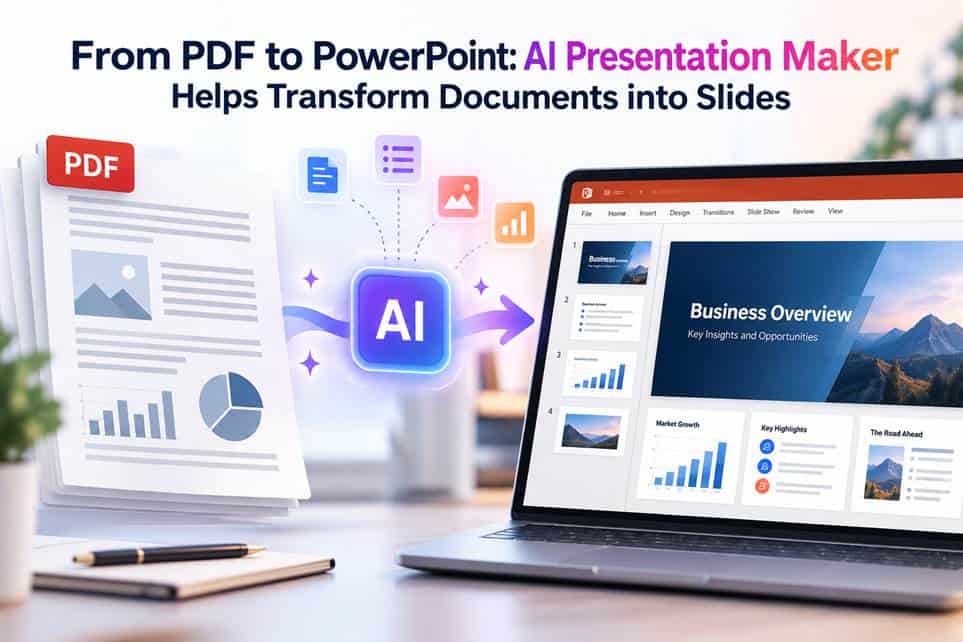
This is where an AI Presentation Maker can help simplify the transition from document-based information to presentation-ready content.
Why converting PDFs into presentations requires more than copying text
One of the biggest challenges when creating a presentation from an existing document is deciding what information deserves attention.
A research report might contain background information, methodology, statistical findings, limitations, and recommendations. While all these sections contribute to the document’s overall value, not every detail needs to appear in the final presentation.
An effective slide deck should communicate the most relevant information in a logical sequence.
For example, a 25-page market research report might become a 10-slide presentation covering:
- Research objectives and background
- Market trends and important findings
- Customer behavior and supporting data
- Business implications and recommendations
The goal is not simply to shorten the original document. It is to transform detailed information into a format that supports understanding and discussion.
How AI Presentation Makers simplify the process
AI-powered presentation tools can assist with several stages of slide preparation, particularly when users begin with existing documents.
Identifying the main ideas
Instead of manually reviewing every paragraph while preparing slides, users can organize important sections into an outline. AI can help summarize complex information and suggest which points deserve emphasis.
Creating a logical presentation structure
Once the key information has been identified, the next challenge is arranging it into a coherent narrative.
An AI Presentation Maker can help develop an initial sequence of slides, making it easier to move from introductory context to supporting evidence and conclusions.
Reducing repetitive formatting work
Preparing slides manually often involves repetitive activities such as creating headings, organizing bullet points, and adjusting layouts.
AI-assisted workflows can reduce some of this preparation time, allowing users to focus more on accuracy, storytelling, and audience engagement.
Using AI Presentation Maker in document-based workflows
Quillbot’s AI Presentation Maker can support users who want to turn structured ideas into presentation content.
For example, a university student preparing to present a research project can begin by extracting the central arguments from a PDF report. These arguments can then be organized into a slide outline covering the research question, methodology, findings, and conclusion.
Similarly, a business professional can use an AI-assisted workflow to organize a lengthy project proposal into a shorter presentation for stakeholders.
The important distinction is that the tool supports presentation preparation, while the user remains responsible for reviewing and verifying the material.
Where direct PDF importing is not available, relevant text can be extracted and used as the starting point.
Five practices for creating better slides from PDFs
1. Identify the audience. A presentation for senior executives should emphasize business outcomes, while an academic presentation may require more detail about methodology.
2. Extract the key message. Each slide should communicate one central idea rather than attempting to reproduce an entire document section.
3. Visualize numerical information. Tables containing large amounts of data can often be presented more effectively through charts or simplified comparisons.
4. Preserve context and citations. Statistics, quotations, and research findings should remain traceable to their original sources.
5. Review the final presentation. AI-generated outlines and slide content should be checked for accuracy, completeness, and logical consistency.
Microsoft’s PowerPoint support resources provide additional guidance on creating and formatting presentations.
Where this approach is useful
Document-to-presentation workflows are valuable across several settings.
In education, students can transform research summaries into seminar presentations. Teachers can organize reading material into classroom lessons.
In business, managers can turn performance reports into review presentations, while marketing teams can prepare campaign summaries for internal discussions.
Researchers can also benefit when presenting complex findings to audiences who may not have time to read a complete report.
Conclusion
Turning a PDF into an effective PowerPoint presentation requires thoughtful selection, organization, and communication of information.
AI Presentation Makers can make the preparation process more efficient by helping users structure ideas, summarize supporting material, and create an initial presentation framework.
However, the strongest presentations still depend on human judgment. By combining AI-assisted preparation with careful editing and visual storytelling, users can turn detailed documents into presentations that are easier to understand, discuss, and remember.